 Foldling
A tiny friend lives in the fold of your phone.
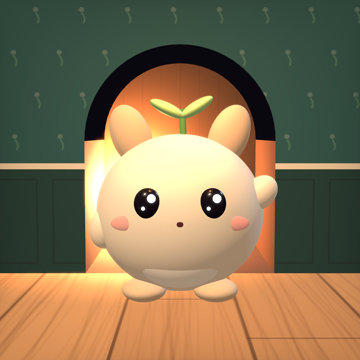
His name is Hazel. Open your Duo and he wakes up, leaves his nook and seems to step right out of the screen. Close it and he runs back to bed.
Hinge
With Hazel
Demo speed: 1 second = 1 minute
He wakes, yawns and steps out
Open the phone and he pokes his nose out of his nook, then walks onto the desk and waves hello.
He spills out of the screen
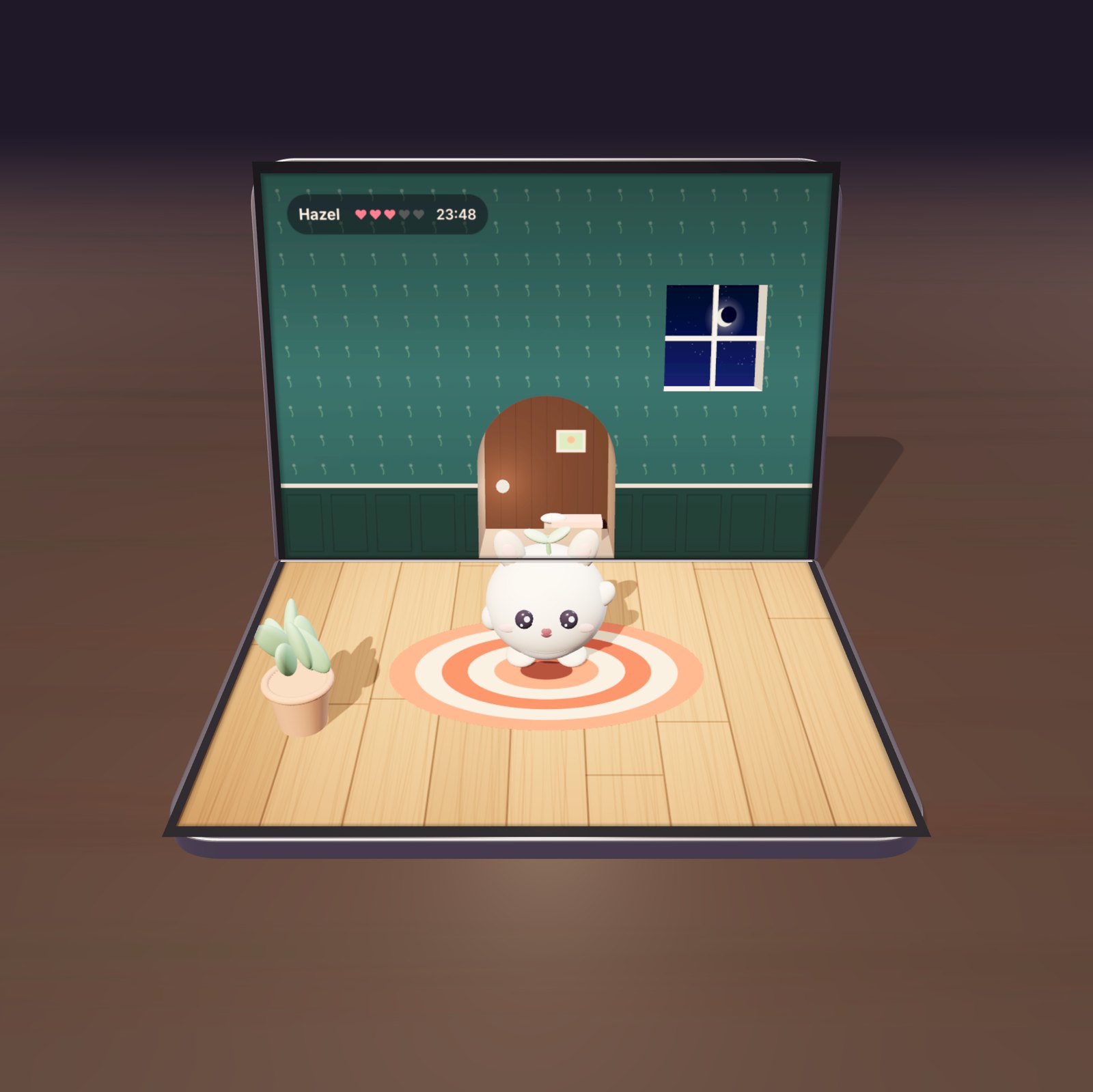
Pet him, ask for a dance, throw the ball or grab it and flick it yourself. The Duo’s two screens work as one 3D corner, and Hazel stands in it.
He runs back to bed
Start closing the phone and he dashes inside. Open it again and he comes right back out.
He naps while you work
For 25 minutes Hazel curls up in bed and a countdown sign hangs on the wall. At break time he wakes, yawns and wants to play. Every focus round you finish earns him a heart.
Lights out, lamp on
The room goes dark and the lamp in his nook glows warm across the desk. The phone stays open the way it is. In the morning, tap Hazel and he wakes up.
Why it needs an iPhone Duo
- The corner illusion needs two screens. Like the giant 3D cat billboard in Shinjuku, things spill out of the corner where two screens meet. A flat phone has no corner.
- The hinge angle corrects the perspective. The app reads the angle all the time and redraws the picture, so Hazel stays put however far the phone is open.
- Closing is a gesture. Shutting the Duo is how you tuck Hazel in.
- Something new for his nook every day. A lamp, a rug, a tiny bookshelf. Twelve days fill the nook, and each one is a reason to open the phone.
A companion that sits on your desk. He shows the time, turns into a night light and gets happier every time you touch him.
This is a live demo: the phone and Hazel are drawn in real time in your browser. “Look from the side” breaks the illusion and shows that the screens really hold a flat, warped picture. In the app, the front camera follows where you are looking from. Nothing it sees is recorded and nothing leaves your phone.
Help
How should I place my iPhone Duo?
Open it like a small laptop, with the fold running left to right, and set it on your desk. Look at it from about 40 cm away. If you hold it like a book, the app asks you to turn it sideways.
Hazel looks stretched or the 3D effect seems off
Open the menu (the leaf button), make sure head tracking is on, sit the way you normally would and tap “Save my viewpoint”. If the room moves the wrong way when you move your head, use the switches under “Axis settings”.
How do I play with him?
Tap Hazel to pet him and tap the floor to call him over. In the menu, “Throw ball” drops a ball he chases; you can also grab it with a finger and flick it. “Dance” makes him do a different dance each time.
How do focus mode and the night light work?
Focus mode runs 25 minutes of focus and a 5-minute break. Hazel sleeps while you work and wakes up for the break. Turn the night light on at bedtime: the room dims and the lamp in his nook glows. Tap Hazel in the morning to wake him.
Does it work on other iPhones?
Foldling is made for iPhone Duo. On other iPhones you can try it with a simulated hinge in the menu, but the 3D corner effect needs the Duo’s folding display.
Why does the app ask for the camera?
Only to find where you are looking from. Nothing is recorded and nothing leaves your phone. See the privacy policy.
Contact
Found a problem or have an idea? Email [email protected] and include your iPhone model and iOS version. We usually reply within 48 hours.
Privacy PolicyPress kitHelpContact© 2026 Burc Unalan